- Epsilon Cluster User Guide
- Introduction
- 1. Getting Started
- 2. Overview and Dashboard Pages
- 3. Managing Users and Groups
- 4. Managing Machines
- 5. Managing Credentials
- 6. Managing Entities
- 7. Managing Properties
- 8. Workflows and Task Types
- 9. Using Macros
- 10. Storage
- 11. Setting Permissions, Restrictions, and Roles
- 12. Creating Workflow Schedules
- 13. Reports
Setting Machine Properties
You can set machine properties for workflows that run in a machine. Complete the following steps to add machine properties:
Click the Machines tab and then click the machine name for which you want to add a property.
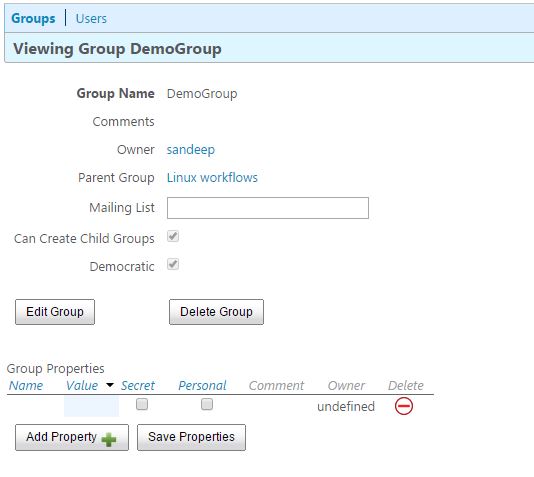
On the Editing Machine page, under Machine Properties, click Add Property.
Enter the following details for the new property:
- Name: Name of the property
- Value: The value for the property
- Secret: Select this checkbox to hide the value.
- Personal: If this checkbox is selected, the user who created this property becomes its owner and property will be visible only to the user who creates it.
- Comment: Any additional information that you want to provide about this property.
- Owner: The owner of the property is auto detected when the property is saved. If the Personal checkbox is not selected, the group name becomes the owner of the property. If Personal is selected, the user who created the property becomes the owner.
- Click Save Changes.